How to Reset Keyboard Settings on Samsung Galaxy S26
reset keyboard settings on galaxy s26

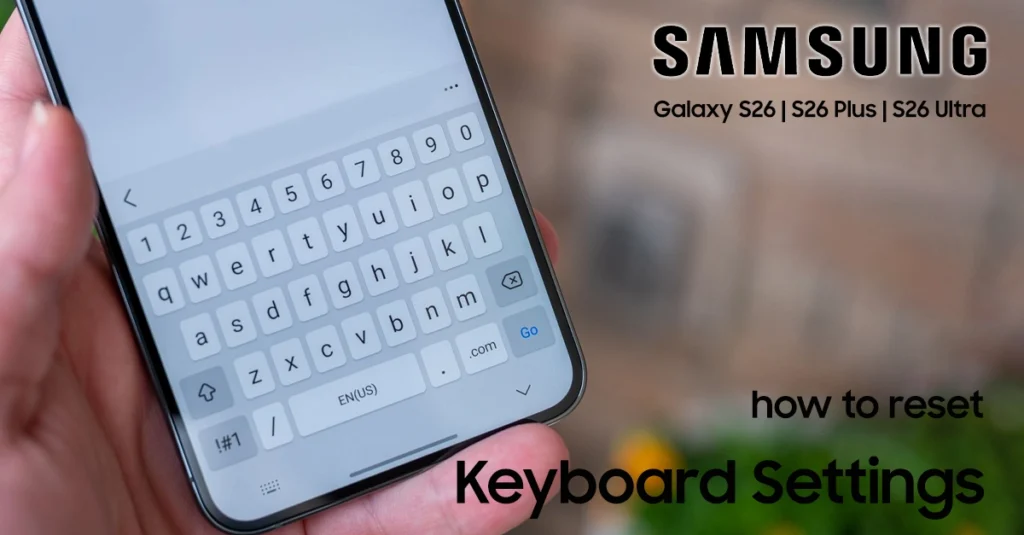
If your Samsung Galaxy S26 keyboard feels slow, predicts the wrong words, or no longer behaves the way you expect, resetting its settings can quickly fix the problem. The reset removes customizations and learned typing data while keeping the keyboard installed and usable. Samsung provides three reset options: Reset keyboard settings, Erase personalized predictions, and Erase personalized touch recognition data. You can select all three if you want a complete cleanup, though the standard settings … Read more

How to Reset Network Settings on Samsung Galaxy S26

reset network settings on galaxy s26

Dealing with stubborn Wi-Fi drops, Bluetooth pairing failures, or failing cellular data on your new phone? You can instantly fix most connectivity glitches on your Samsung Galaxy S26 by performing a network settings reset. This built-in troubleshooting process wipes out corrupted cache and restores all cellular, Wi-Fi, and Bluetooth configurations back to factory defaults in under a minute. Connection problems can completely interrupt your daily workflow, making quick fixes essential. While a standard device restart … Read more

How to Fix Voicemail Not Working on Your Samsung Galaxy S26

fix voicemail not working on galaxy s26

If voicemail is not working on your Samsung Galaxy S26, you may miss important messages from callers who cannot reach you. Common causes include incorrect voicemail settings, network connection problems, carrier restrictions, or outdated software. Fortunately, you can fix most Galaxy S26 voicemail not working issues with a few simple troubleshooting steps. This guide explains how to fix voicemail not working on Galaxy S26, including checking voicemail settings, resetting network connections, updating your phone, and … Read more

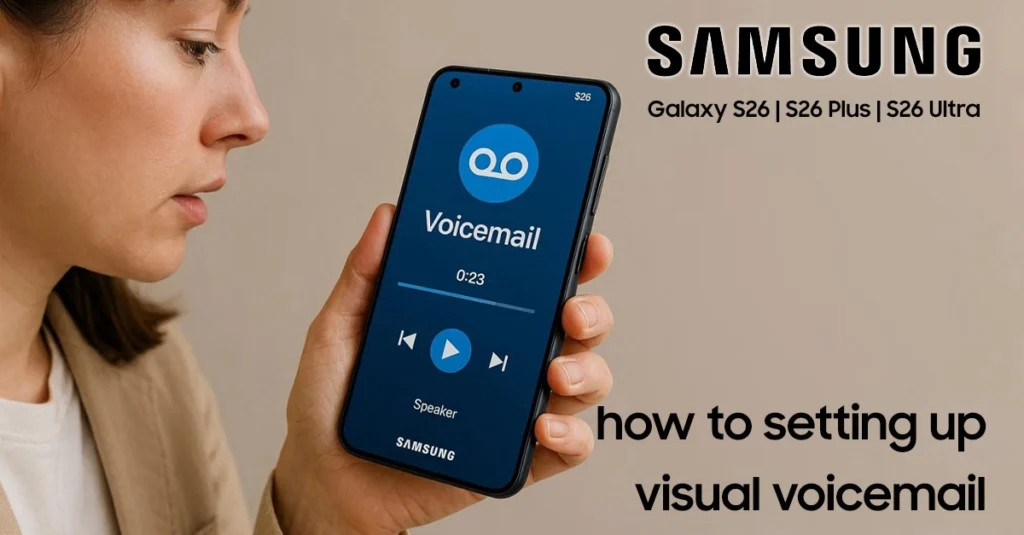
How to Set Up Voicemail on Galaxy S26: Complete Beginner’s Guide

set up voicemail on galaxy s26

Setting up voicemail on your Galaxy S26 lets you receive and manage voice messages when you miss calls or cannot answer your phone. You can activate voicemail through the Phone app, configure a voicemail password, and record a personal greeting. In this guide, you’ll learn how to set up voicemail on Galaxy S26, including how to access voicemail settings, customize your greeting, and troubleshoot common setup issues. Running One UI 8.5 on Android 16, the … Read more

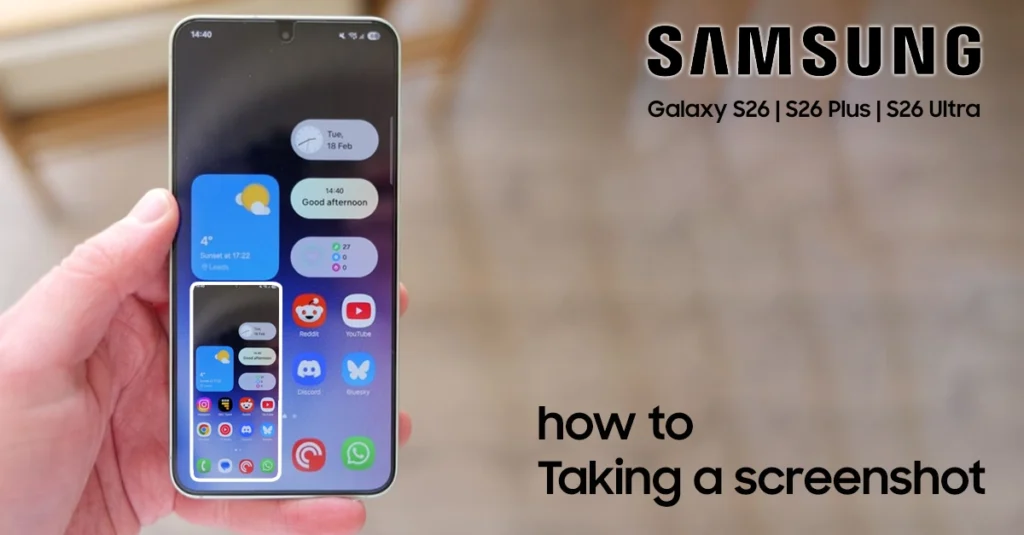
How to Take a Screenshot on Samsung S26: Easy Methods for Quick Captures

take screenshot on samsung s26

Take screenshot on Samsung S26 is quick: press the Power/Side and Volume Down buttons at the same time, then release them when the screen flashes. The image is saved automatically to your Gallery. This guide covers every reliable method, including the button shortcut, Palm swipe gesture, Quick panel option, voice commands, and Scroll capture for long pages. You will also learn how to enable the gesture controls and find, edit, or share your screenshots afterward. … Read more

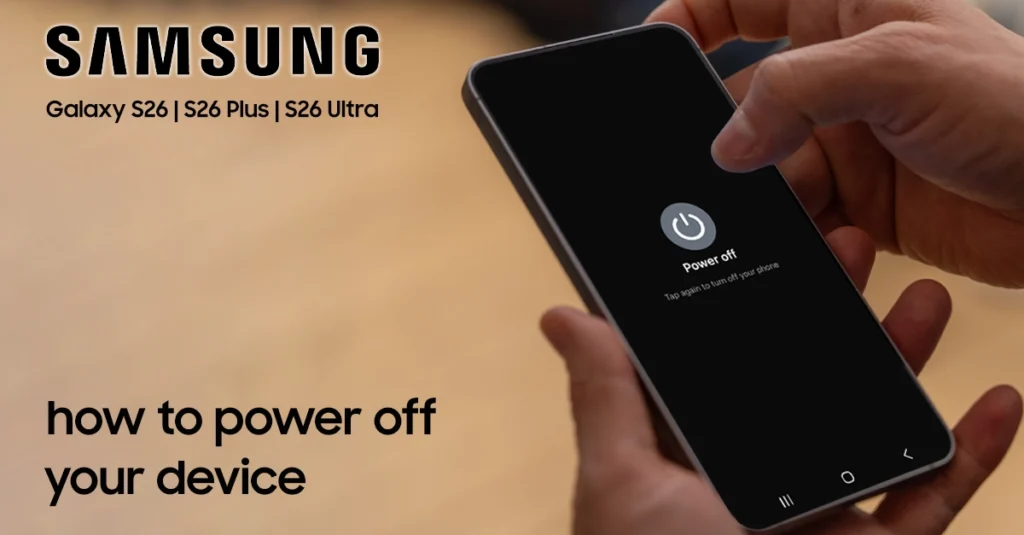
How to Turn Off Galaxy S26: Quick and Easy Step-by-Step Guide

turn off galaxy s26

To turn off a Samsung Galaxy S26, press and hold the Side button and Volume Down button together until the power menu appears, then tap Power off. This is the quickest method and works on all Galaxy S26 models running One UI 8.5. If the buttons are inconvenient or unresponsive, you can also power down through Quick Settings: swipe down twice from the top of the screen, tap the Power icon, and select Power off. Bixby offers a hands-free alternative—say “Turn off the phone” … Read more

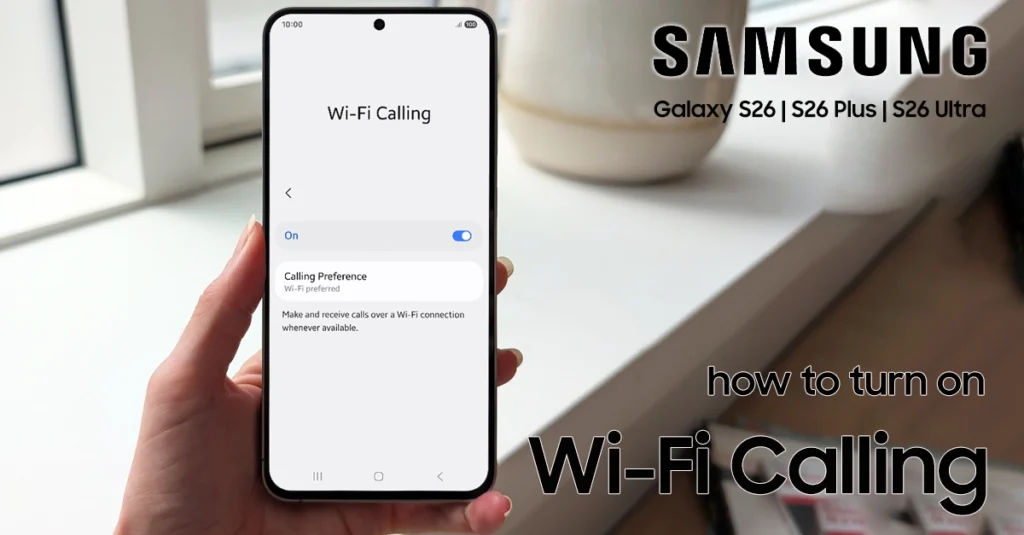
How to Set Up WiFi Calling on Samsung Galaxy S26

set up wifi calling on galaxy s26

To set up Wi-Fi Calling on your Galaxy S26, open the Phone app, tap the three-dot menu, go to Settings, and turn on Wi-Fi Calling. The feature lets your phone make and receive calls over a Wi-Fi network when cellular signal is weak or unavailable. Before enabling it, connect your Galaxy S26 to a stable Wi-Fi network and make sure your carrier supports Wi-Fi Calling with an active SIM or eSIM. Once switched on, your … Read more

How to Forwarding Calls to Voicemail on Samsung Galaxy S26

forward calls to voicemail on galaxy s26

You can forward calls to voicemail on your Samsung Galaxy S26 through the Phone app’s Direct Voicemail settings. This is useful when you are unavailable, busy, or want callers to leave a message instead of waiting for you to answer. Open the Phone app, tap the More options menu, go to Settings, and enable Direct Voicemail. You can also turn on Auto send to voicemail to automatically route calls after a set number of rings. … Read more

How to Fix Camera Not Centered on Samsung Galaxy S26

Galaxy S26 camera showing cropped photo compared to viewfinder

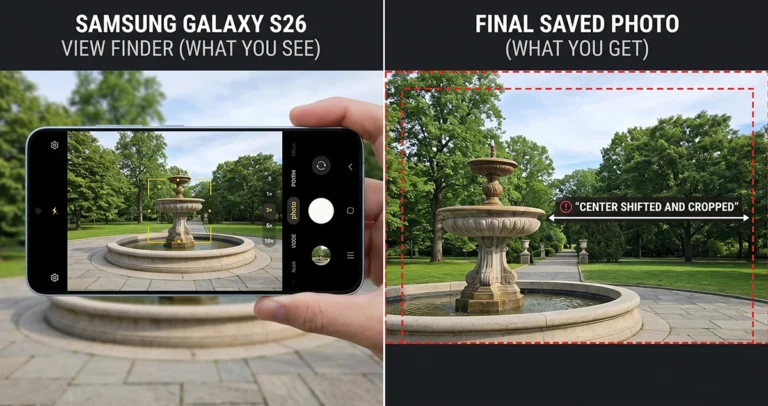
If photos on your Galaxy S26 look cropped or shifted compared to what you saw in the viewfinder, you’re not imagining it — Samsung confirmed this as an official bug, and a software fix is already rolling out. Update your phone first; if the issue persists, five quick settings fixes below will resolve almost every remaining case. Quick Answer: Update Your Software First. Go to Settings > Software update > Download and install. Samsung has … Read more