Galaxy S26 Now Brief: How to Set Up, Use, and Customize Your AI Daily Briefing
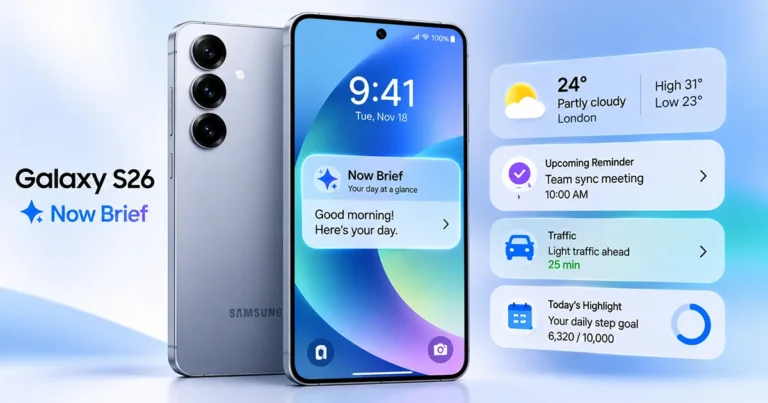
Samsung Galaxy S26 Now Brief

The Galaxy S26 Now Brief helps you stay informed by bringing personalized updates, reminders, weather information, health insights, and other useful details into one convenient daily briefing. Powered by Samsung Galaxy AI, the feature organizes relevant information based on your preferences and connected services. With One UI 9, compatible Galaxy S26 devices also gain customizable Now Brief cards, giving you more control over the information displayed throughout the day. Whether you want to check your … Read more
Galaxy S26 Always On Display: How to Enable and Customize AOD

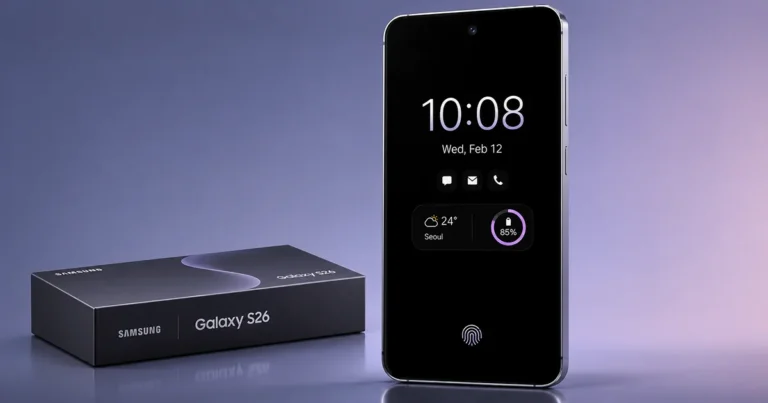
Galaxy S26 Always On Display

The Galaxy S26 Always On Display (AOD) shows the time, date, battery level and notification icons while your phone is locked. You enable it at Settings > Lock screen and AOD > Always On Display, and you can tap the screen to wake it without unlocking. To protect battery life, set it to “Tap to show” instead of leaving it on all day. Quick answer: how to enable Galaxy S26 Always On Display Samsung’s support … Read more

Galaxy S26 Private Sharing: How to Share Files Securely with Quick Share

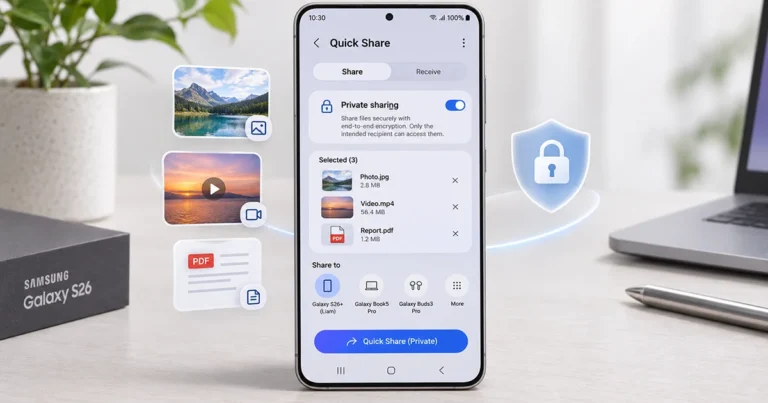
Samsung Galaxy S26 Private Sharing

Galaxy S26 Private Sharing lets you share photos, videos, and documents with greater privacy using Samsung Quick Share. Unlike regular file sharing, this feature helps prevent recipients from saving, copying, forwarding, or taking screenshots of shared content. You can also set an expiration time so recipients lose access after a specified period. This makes Private Sharing useful when sending confidential documents, personal photos, or other sensitive files from your Galaxy S26. What Is Private Sharing … Read more

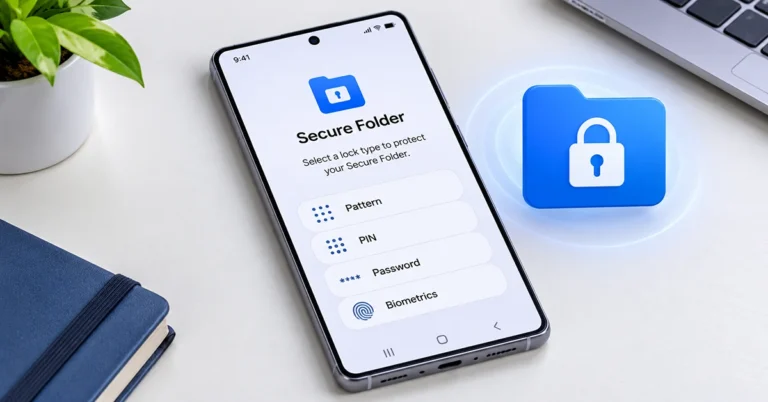
Samsung Galaxy S26 Secure Folder Setup: How to Create and Use It

Samsung Galaxy S26 Secure Folder setup

If you want to keep personal photos, documents, applications, and other sensitive information private, learning the Galaxy S26 Secure Folder setup process is a useful way to improve your phone’s privacy. Samsung Secure Folder creates a separate protected space on your Galaxy S26, Galaxy S26+, or Galaxy S26 Ultra. It uses Samsung Knox security technology and supports an additional PIN, password, pattern, or fingerprint lock. Setting it up takes only a few minutes. Once configured, … Read more

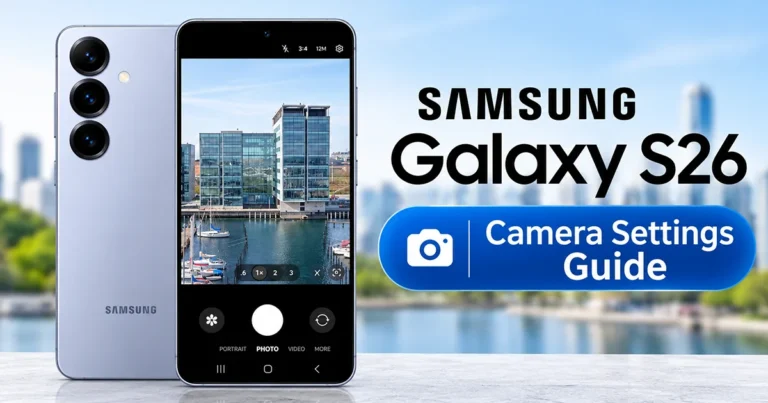
Samsung Galaxy S26 Camera Settings: Best Settings for Better Photos and Videos

Samsung Galaxy S26 camera settings guide

Getting the most out of your smartphone camera starts with choosing the right settings. The Samsung Galaxy S26 camera settings let you customize photo quality, video resolution, image processing, stabilization, and shooting methods to capture better pictures and videos in different situations. Whether you’re photographing landscapes, taking portraits, recording videos, or shooting in low light, adjusting a few important options can make your camera experience more enjoyable. The Galaxy S26 includes several useful camera tools, … Read more

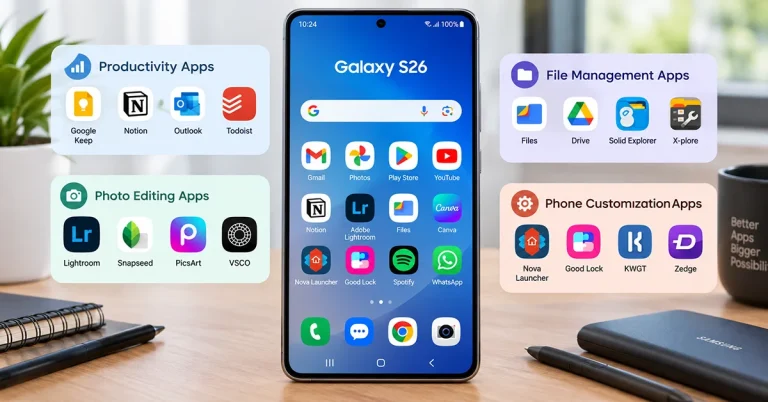
Top 10 Must-Have Apps for Your Samsung Galaxy S26

Best apps for Samsung Galaxy S26 for productivity, photography, and customization

The best apps for Samsung Galaxy S26 can make your phone more productive, improve your photos, strengthen your privacy, and give you greater control over One UI. Start with Good Lock for customization, Google Photos for photo management, Snapseed for editing, Bitwarden for password security, and Google Drive for productivity. You don’t need dozens of downloads to get the most out of your Galaxy S26. The following 10 apps offer practical benefits for everyday use, … Read more

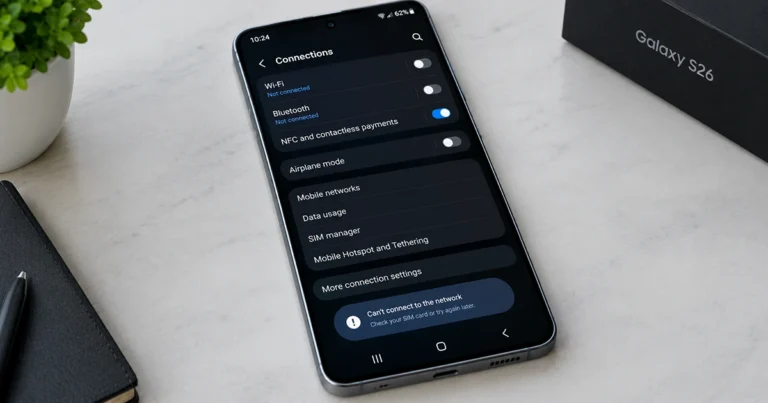
How to Fix Samsung Galaxy S26 Connection Problems

Samsung Galaxy S26 experiencing Wi-Fi and network connection problems

Is your Samsung Galaxy S26 having connection problems? Whether your phone keeps disconnecting from Wi-Fi, Bluetooth devices will not pair, mobile data stops working, or the network signal disappears, several troubleshooting steps can help restore connectivity. Start by restarting your phone, toggling Airplane mode, checking your network settings, and installing available software updates. If the problem continues, troubleshoot the affected connection individually or reset the relevant network settings. This guide explains how to fix common … Read more

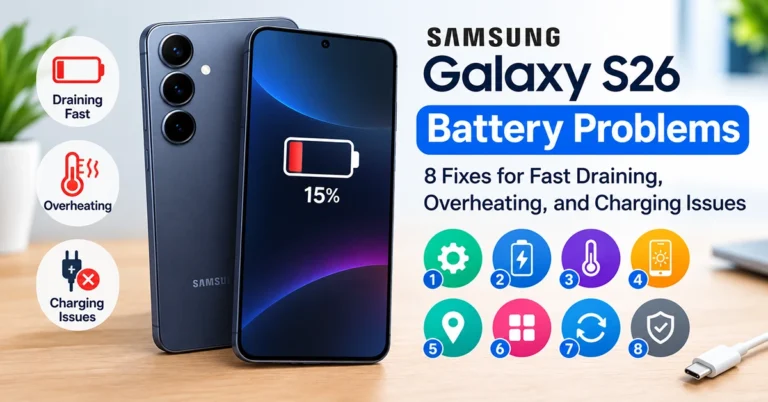
Galaxy S26 Battery Problems: 8 Fixes for Fast Draining, Overheating, and Charging Issues

Samsung Galaxy S26 battery problems, including fast battery drain, overheating, and charging issues

Galaxy S26 battery problems, such as rapid battery drain, slow charging, overheating, or unexpected shutdowns, can affect daily use. Fortunately, you can often fix these issues by checking battery usage, adjusting power settings, updating One UI, and identifying apps that consume excessive power. Start by checking Settings > Battery to review battery usage and enable power-saving features if needed. If your Samsung Galaxy S26 battery drains too quickly, the phone gets unusually hot, or charging … Read more

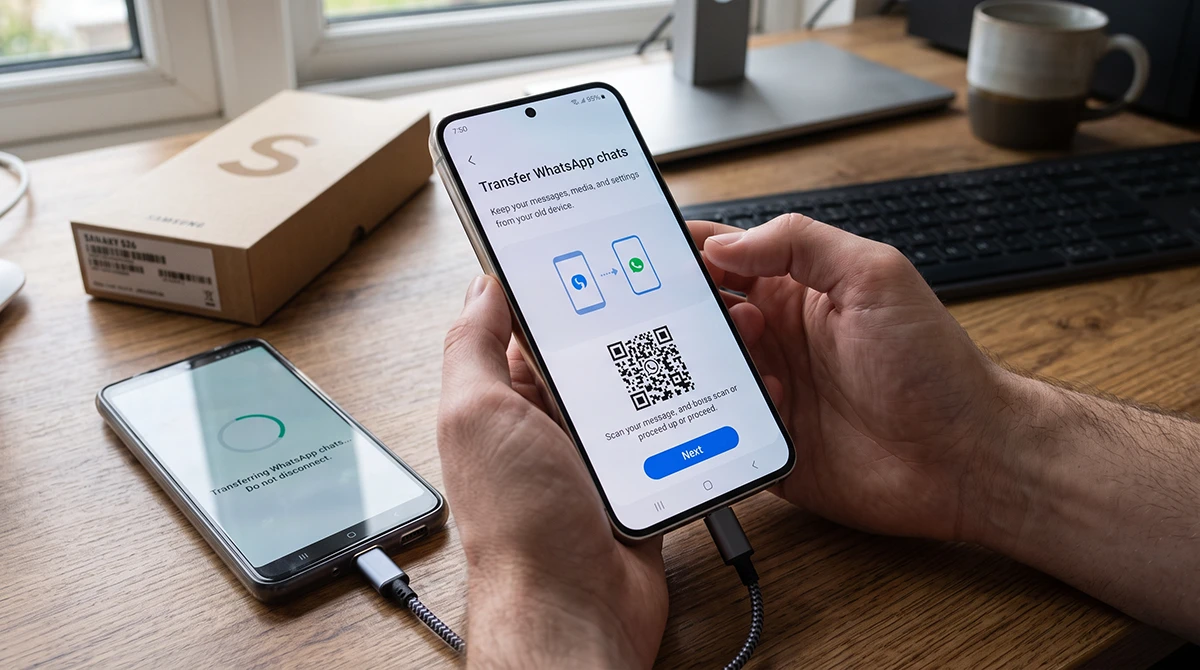
How to Transfer WhatsApp Data to Your Samsung Galaxy S26

Person setting up a Samsung Galaxy S26 to transfer WhatsApp chats from an old phone.

Switching to a Samsung Galaxy S26 does not mean losing your WhatsApp chats, photos, videos, or voice notes. The safest way to transfer WhatsApp data to your Galaxy S26 is to use WhatsApp’s built-in Transfer chats feature or restore from a Google Drive backup—depending on whether you are moving from Android or iPhone. Samsung Smart Switch is excellent for moving contacts, photos, messages, apps, and other phone data, but it does not reliably transfer WhatsApp … Read more