How to Put Samsung Galaxy S26 in Safe Mode: A Beginner’s Step-by-Step Guide
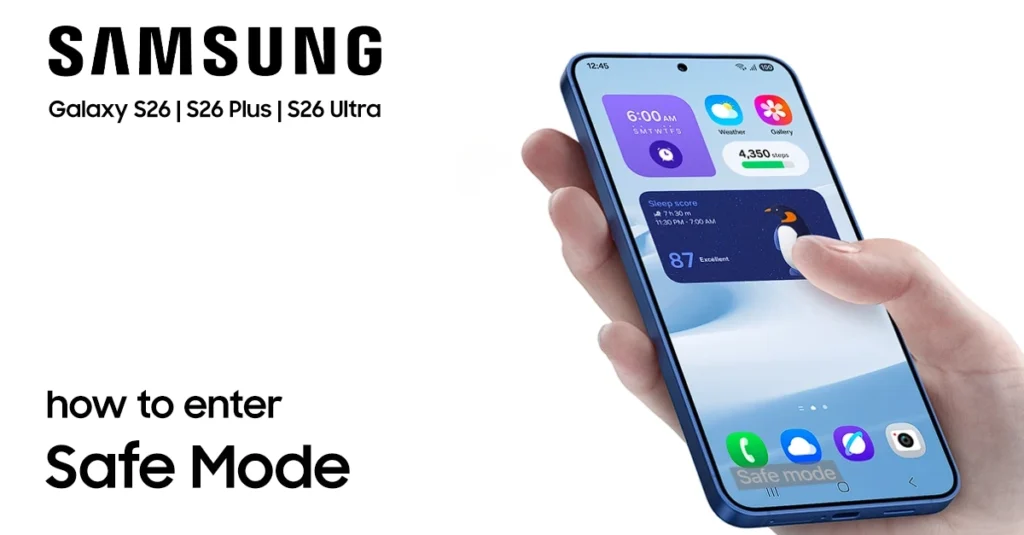
put galaxy s26 in safe mode

Your Samsung Galaxy S26 is a powerful device, but sometimes apps can misbehave or cause unexpected problems. That’s where Safe Mode comes in handy. Learning how to put Galaxy S26 in Safe Mode is a valuable skill every owner should have, even if you never encounter issues. This special diagnostic mode helps you identify problematic apps and troubleshoot your device without losing any data. Whether you’re experiencing battery drain, app crashes, or unusual behavior, this … Read more
How to Enable Direct Voicemail on Samsung Galaxy S26

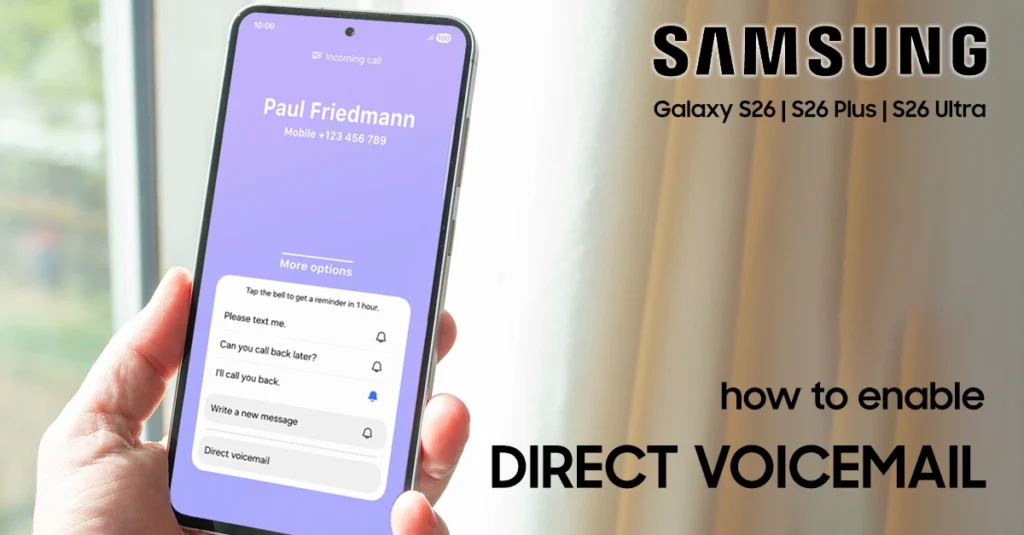
enable direct voicemail on galaxy s26

Direct Voicemail revolutionizes how you handle incoming calls on the Samsung S26 series. Unlike traditional voicemail that requires dialing a code, this feature sends callers straight to an on-device recording system during a call or after a short delay. This article will help you to enable Direct Voicemail on your Galaxy S26.​ Powered by Galaxy AI, it provides real-time transcription, so you see the message as it’s being left and can even pick up mid-recording … Read more

How to Block Contact on Galaxy S26: Complete Guide

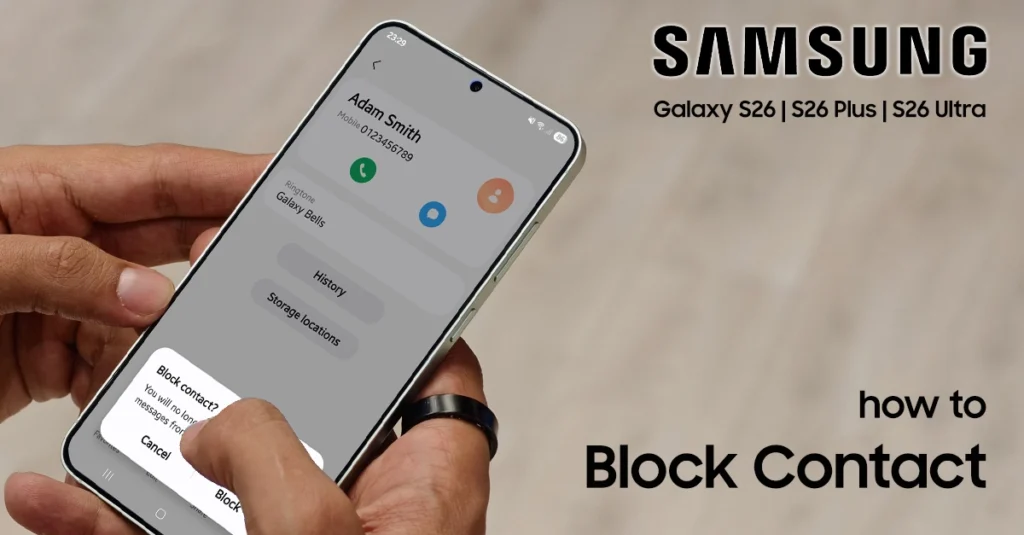
block contact on galaxy s26

Unwanted calls and messages can disrupt your day on the Samsung Galaxy S26. Blocking a contact is simple using built-in Phone and Contacts apps. This guide provides clear steps to block contact on Galaxy S26, manage your block list, and use advanced features like Smart Call—all tailored for Galaxy S26 users seeking practical tricks.​​ Why Block Contacts on Galaxy S26? The Galaxy S26 runs One UI 8 with powerful call management tools. Blocking spam calls, … Read more

How to Use Object Eraser on Galaxy S26 Photo Editor

use object eraser on Galaxy S26

Capturing the perfect shot is often a race against time. Sometimes, unwanted strangers or distracting clutter ruin an image. I will show you how to use the object eraser on Galaxy S26 to enhance your mobile photography. Mastering this built-in feature lets me clean up images quickly. I no longer need complex desktop software for a polished look. This guide will help anyone refine their shots with professional precision. By following these simple steps, you … Read more

How to Use the Voice Recorder App on Samsung Galaxy S26

use voice recorder app on galaxy s26

Are you ready to capture crystal-clear audio for your next meeting or lecture? Many people struggle to find the right tools. But you can easily use Voice Recorder app on Galaxy S26 to turn your smartphone into a professional studio. This native software offers powerful features to help you document important moments with ease. Whether you are a student or a busy professional, learning to use Voice Recorder app on Galaxy S26 ensures you never … Read more

How to Fix Lost GPS Signal on Samsung Galaxy S26

fix lost gps signal on galaxy s26

Ever been lost in a new city because your Galaxy S26 lost GPS? Having a reliable GPS is key for daily travel, tracking fitness, and finding new places. When your phone can’t find your location, it makes simple trips hard. It might seem like your phone’s GPS is broken for good. But, most lost GPS signal on Galaxy S26 are just software problems. These small issues often come from old settings or apps running in … Read more

Get Your Printable Galaxy S26 Manual for Quick Reference

printable galaxy s26 manual

Getting a new smartphone is exciting, but learning all its features can be tough. A physical guide helps a lot, giving you clear answers when you need them. A good printable Galaxy S26 manual is your go-to for understanding complex settings without looking at a screen. Technical problems can pop up when you least expect them, leaving you without internet. Having a printed guide nearby means you can fix issues without needing the web. This … Read more

Where to Get The Samsung S26 User Manual for Dummies

samsung s26 user manual

Getting a new smartphone opens up a lot of possibilities. But, learning all its features can be tough. To get the most out of your phone, you need a good guide. Finding the official Samsung S26 user manual is key. It helps you use your phone with ease and confidence. This guide is your go-to for understanding your phone’s complex features. It helps you adjust settings and save battery life easily. It also helps you … Read more

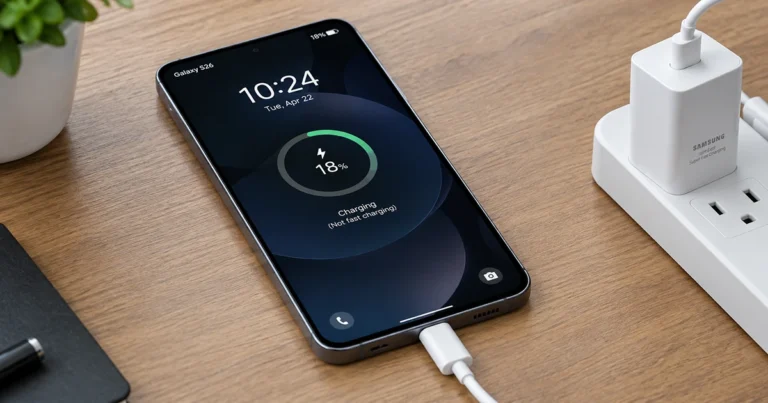
How to Fix Fast Charging Not Working on Samsung Galaxy S26

Samsung Galaxy S26 fast carging not working

If fast charging is not working on your Galaxy S26, the problem may be an incompatible charger, a disabled charging setting, excessive heat, or a dirty USB-C port. Fortunately, you can check these common causes before paying for a repair. Start by using a compatible USB-C power adapter and cable, enabling Fast charging, and letting your phone cool down. If the battery still charges slowly, follow the troubleshooting steps below to identify the cause. 1. … Read more